AI Copilots: History and Tools#
AI-assisted coding has evolved rapidly since 2021. This page covers the history of the major tools and provides links to get started with each.
The AI Code Editor Wars#
The AI-assisted coding landscape has undergone dramatic shifts since GitHub Copilot launched as the first major product in this space.
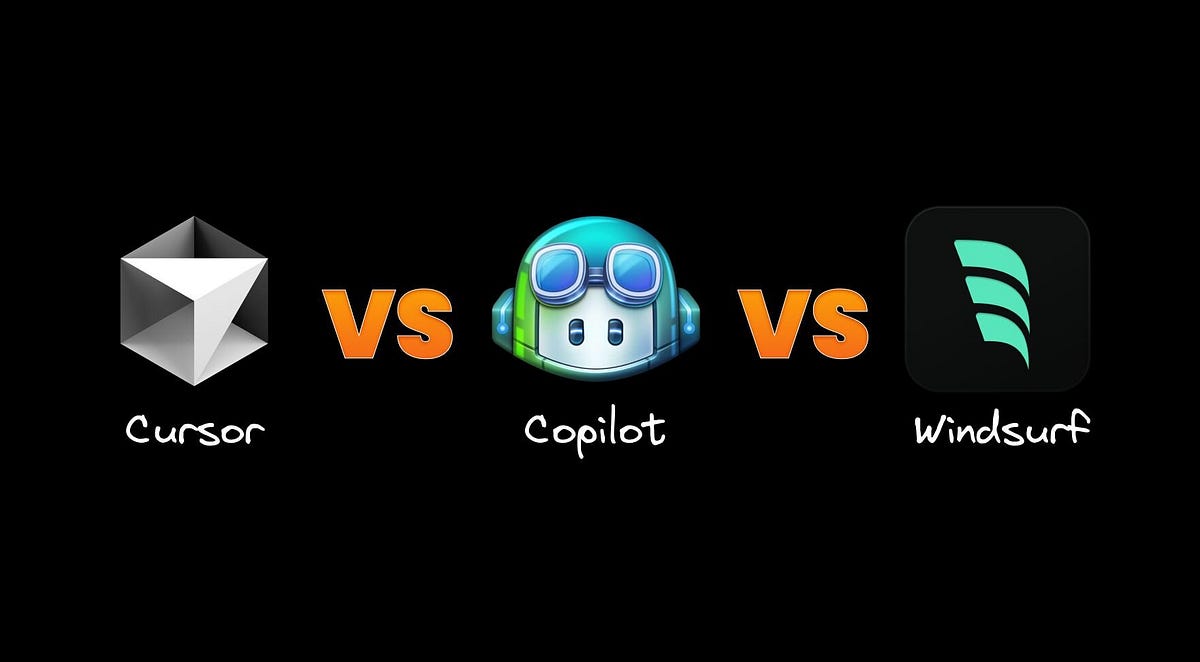
The three major AI-native code editors: Cursor, VS Code (with Copilot), and Windsurf. All share VS Code’s interface because Cursor and Windsurf are forks of VS Code.
GitHub Copilot: The First Mover#
GitHub Copilot launched in preview in June 2021 and became generally available in June 2022. As the first AI coding assistant to reach mainstream adoption, it established the category. Copilot was built as a VS Code extension—a strategic choice that let it reach developers where they already worked. But this decision came with hidden constraints.
Why Extensions Hit a Ceiling#
VS Code’s extension API was designed for syntax highlighting, linting, and similar add-ons—not for AI agents that need deep editor integration. As AI capabilities advanced, extension developers discovered what they couldn’t do:
No inline editing UI: Features like Cmd+K to edit selected code inline aren’t possible through the extension API
No multi-file orchestration: Extensions can’t coordinate edits across files with native diff previews
No terminal interception: An extension can’t capture terminal output to learn from test failures
No shadow workspace: Extensions can’t run speculative edits in the background before showing them
A Cursor developer explained the fork decision directly:
“We tried to build Cursor as a VS Code extension for about 3 months. We got some things working but eventually realized that the features we wanted to build just aren’t possible as extensions. Things like Cmd+K, Composer, and our approach to Tab just aren’t possible with VS Code’s extension API.”
The Fork Strategy#
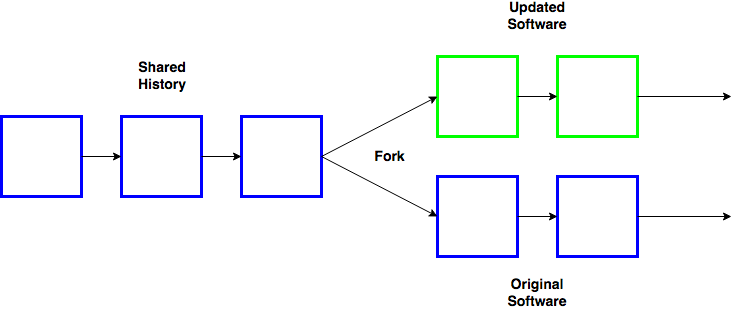
A software fork creates a complete copy of the original codebase. The forked project can then evolve independently, adding features that wouldn’t be possible as an add-on.
In 2022, a team of MIT students founded Anysphere and made a bold architectural choice: rather than build an extension, they forked VS Code entirely to create Cursor. This meant copying VS Code’s entire codebase and modifying it directly—giving them access to native diff rendering, shadow workspaces, terminal integration, and repository-wide indexing.
The tradeoff? Cursor must continuously merge VS Code updates—substantial engineering overhead. But the product differentiation has proven worth it.
The Business Outcome#
The market rewarded this architectural bet decisively:
Cursor: Crossed $100M ARR by January 2025 and $500M ARR by June 2025. By November 2025, Anysphere raised $2.3B at a $29.3B valuation.
Windsurf: Another VS Code fork (originally Codeium). OpenAI agreed to acquire Windsurf for $3B in May 2025, but the deal fell through when the exclusivity period expired. Google stepped in with a licensing deal instead. OpenAI had also unsuccessfully approached Anysphere about acquiring Cursor.
Copilot: Lost enterprise accounts as alternatives matured. Goldman Sachs reportedly reduced Copilot spending in favor of competitors.
The lesson: when building AI-powered tools, architectural decisions made years earlier can become competitive advantages or liabilities. Extensions optimize for easy adoption; forks optimize for capability depth.
The Rise of Coding Agent Harnesses#
By mid-2025, the conversation shifted. The hottest tools were no longer IDE forks like Cursor and Windsurf but terminal-based agent harnesses—Claude Code, OpenAI Codex CLI, and Gemini CLI. The reason is architectural: an agent harness doesn’t need to fork an editor. It runs in your terminal with direct filesystem and shell access, and can be embedded in any IDE as an extension. This makes them lighter to build, easier to integrate, and more composable with existing developer workflows.

The three major coding agent harnesses from Anthropic, OpenAI, and Google. All run in the terminal and provide agentic coding capabilities.
Claude Code launched as a research preview in February 2025 and became generally available in May 2025. It quickly became the most popular agent harness, and Anthropic later released a VS Code extension, bringing the same agentic capabilities into the IDE.
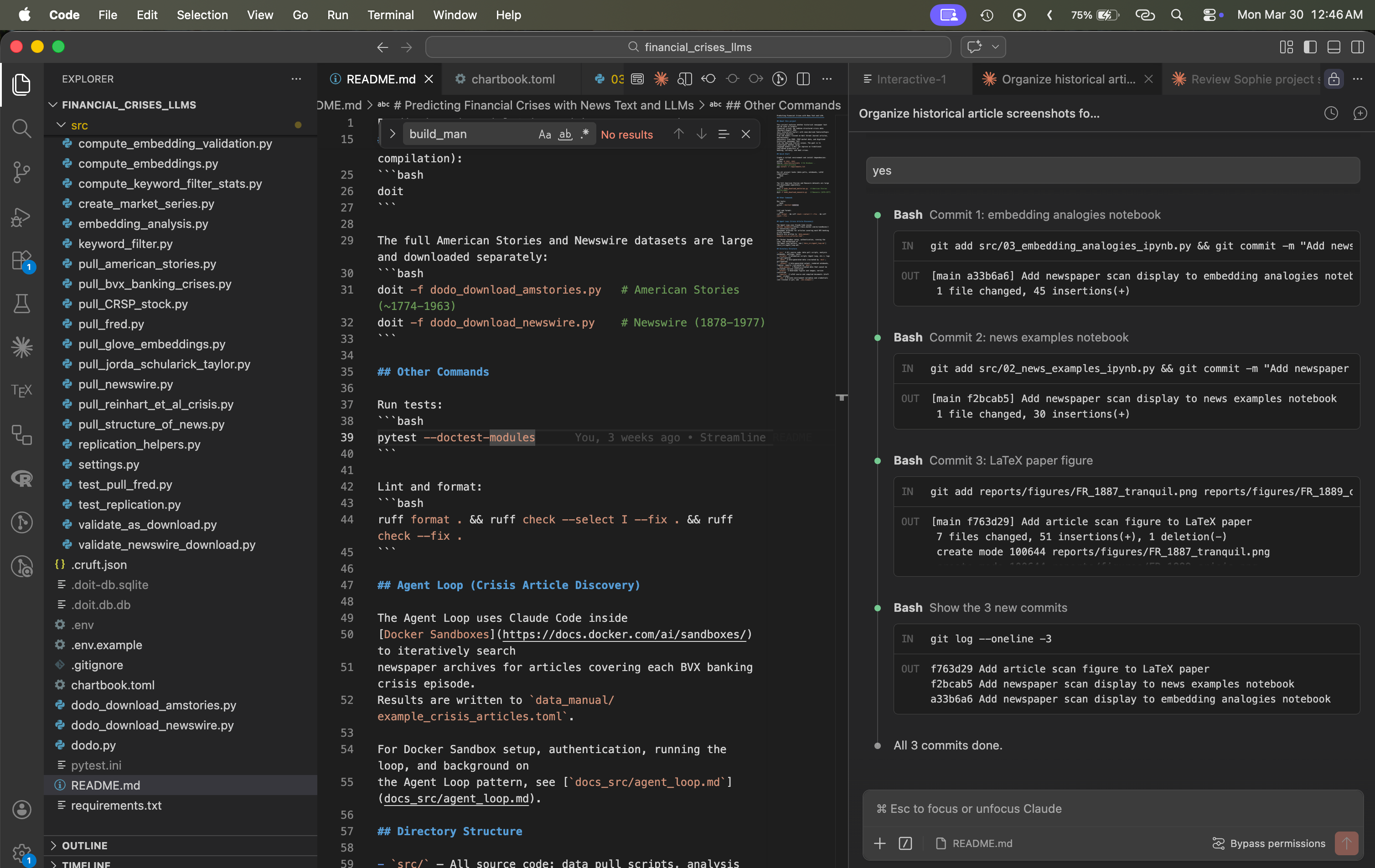
Claude Code’s VS Code extension brings the same agentic capabilities into the IDE, with a conversation panel, inline diffs, and seamless file navigation.

Claude Code Keyboard
OpenAI Codex CLI launched in April 2025 as an open-source terminal agent. It offers three approval modes (Suggest, Auto Edit, Full Auto) and supports AGENTS.md for project context. In early 2026, OpenAI released GPT-5-Codex, a model optimized specifically for agentic coding. OpenAI also released the Codex app, a command center that lets you manage many Codex threads in one place—each running in its own worktree. You get notifications when a thread needs your input, making it easy to supervise multiple parallel tasks. Despite strong model capabilities, Codex CLI has seen less adoption than Claude Code—in part because Claude Code had a head start, and in part because Anthropic’s agentic infrastructure (skills, hooks, MCP integration) is more mature.
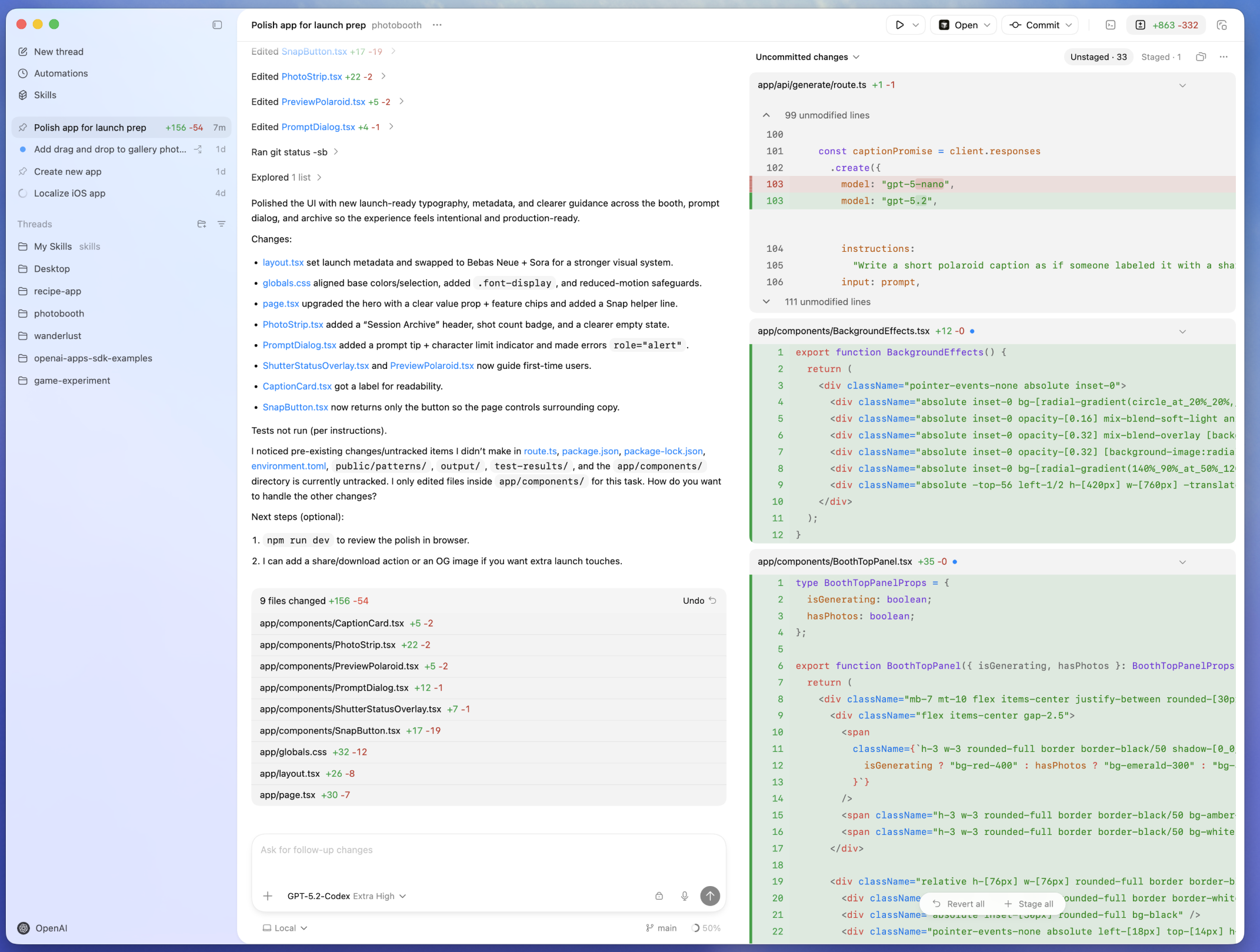
The Codex app provides a command center for managing multiple coding agent threads, each working in an isolated worktree.
OpenCode is the open-source alternative—a provider-agnostic agent harness that works with any model (Claude, GPT, Gemini, or local models via Ollama). With over 120,000 GitHub stars, it appeals to developers who want agent capabilities without vendor lock-in.
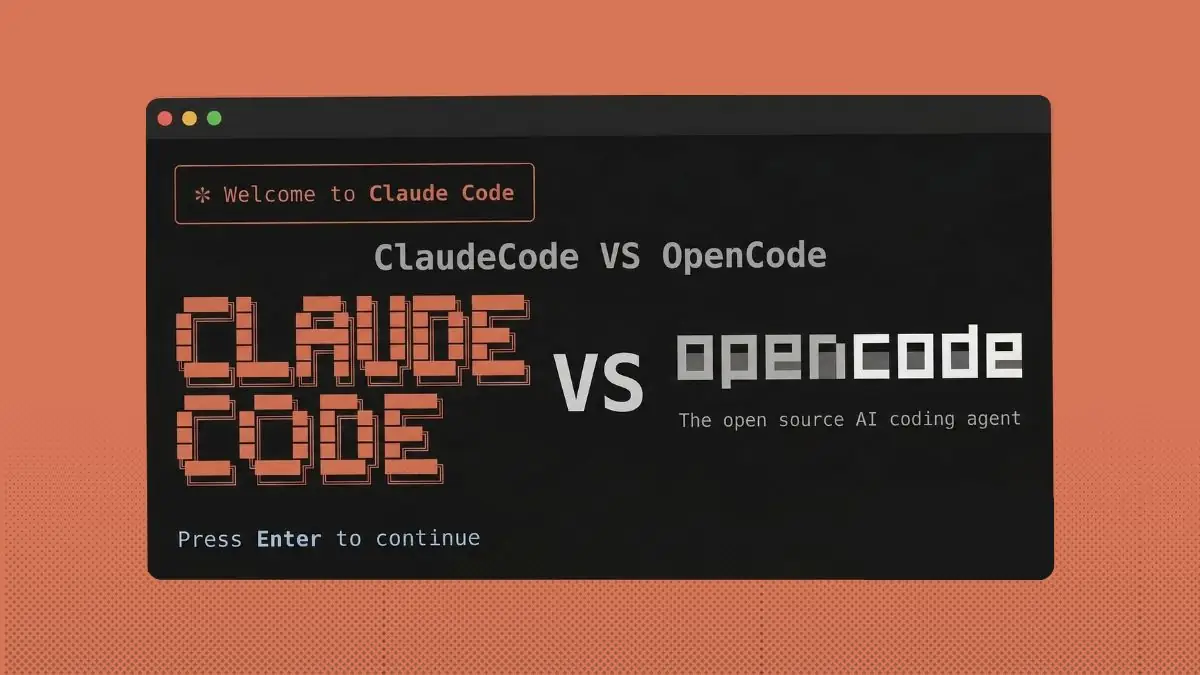
Claude Code and OpenCode represent two approaches: proprietary polish vs. open-source flexibility. Source: Venobi
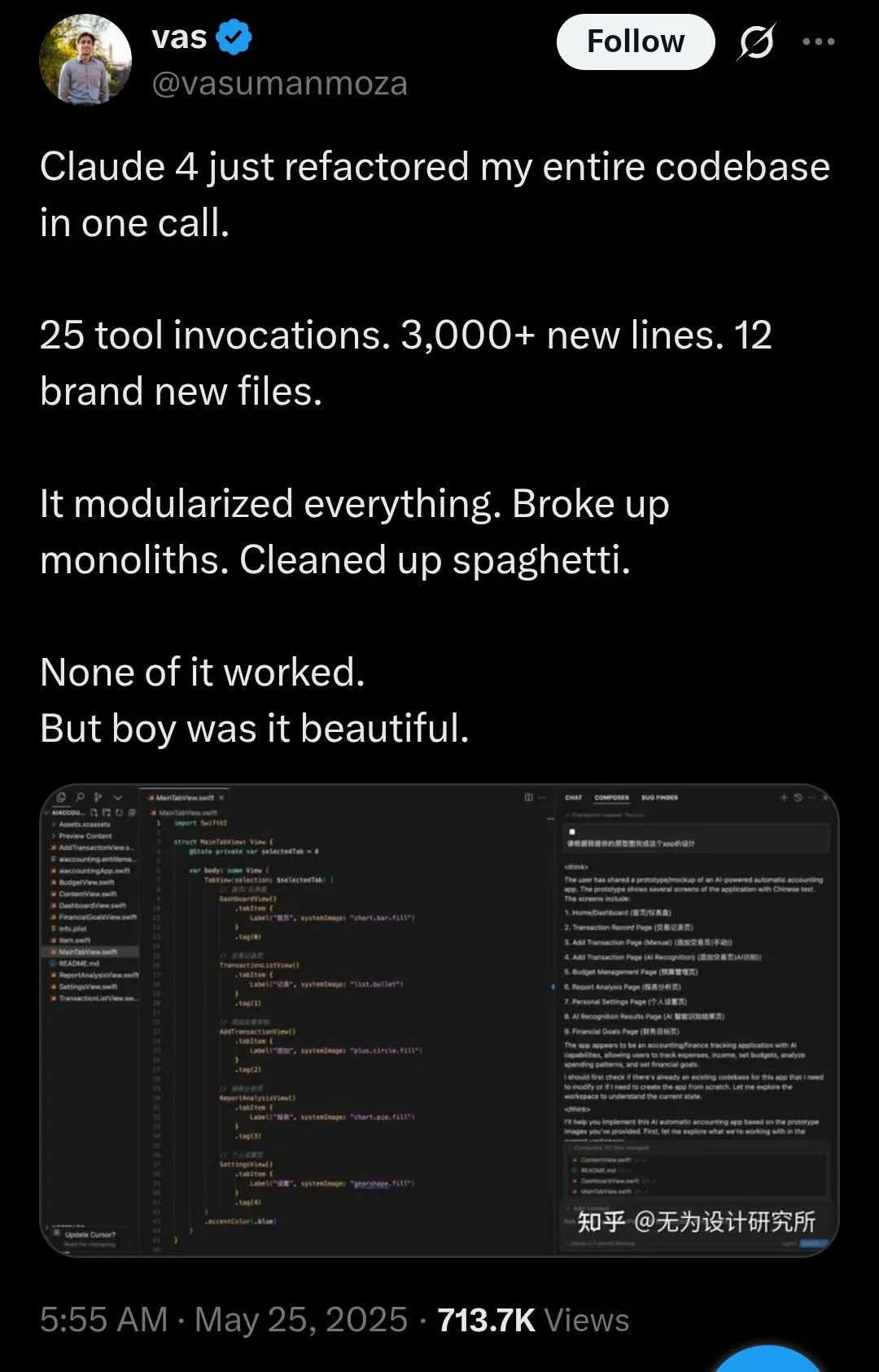
chartbook init#
Use a template, use skills: Claude Code Train
Tools and Resources#
Claude Code#
Anthropic’s agentic coding tool. Available as a CLI and a VS Code extension.
Cursor#
AI-native IDE built as a VS Code fork.
OpenAI Codex CLI#
OpenAI’s open-source terminal coding agent.
OpenCode#
Open-source, provider-agnostic coding agent for the terminal.
GitHub Copilot#
The original AI coding assistant, available as a VS Code extension.
Anthropic Console#
Manage API keys and billing for Claude Code and the Claude API.